
Geek Lands: laptop

A fresh blog on latest technology and programming trends for the Geeks by a Geek.

Recent Posts

Showing posts with label laptop. Show all posts

Monday, August 14, 2017

The 25 fastest gaming laptops of 2017

August 14, 2017 0
The 25 fastest gaming laptops of 2017

These are the gaming laptops with the best 3D performance over the past year.


gaminglaptops-02

Gaming on a laptop is no longer the frustrating compromise as it once was due to hardware limitation in small form factor and performance bottleneck due to overheating of components. Slimmer designs paired with more powerful processors and graphics cards have brought gaming laptops closer than ever to performance previously found only in desktops.
And the pace of innovation hasn't slowed down. Just in the past year, thanks to Nvidia GTX lineup have enabled laptops to now easily support high-end virtual reality headsets like the Oculus Rift and HTC Vive, and new designs can fit top-tier graphics hardware into very slim laptop bodies, as in the case of the 17mm thick Asus Zephyrus, which is the thinnest laptop with an Nvidia GeForce 1080 GPU. With AMD bringing in Vega lineup we would hope to see more intense competition between the Red and Green team with some pricing drops making these hardware much more affordable.

Putting gaming laptops to the test

For this roundup, we've taken all the laptops with discrete graphics hardware collected the test scores over the past 12 months, and ranked them based on 3D performance. When testing a gaming laptop or desktop, it was run preset tests using several games, including Deus Ex: Mankind Divided, Bioshock Infinite, and others, along with standard benchmarks like 3DMark, which is designed to test a computer's 3D graphic rendering capabilities.
For this list, we're ranking the laptops in order of 3DMark scores, but the real-world game scores (presented as the number of frames of animation per second the laptop can render) match very closely. Note that these scores are specifically for the exact configurations of each laptop we tested, and almost all can be configured with a wide range of options.
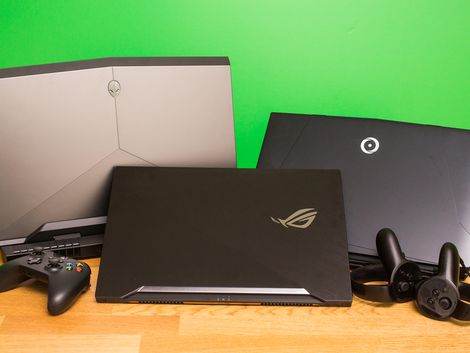


The winners are...

The results offer few surprises. The handful of laptops with dual video cards (rare in a laptop) came out on top, followed by laptops with a single Nvidia 1080 GPU and so on down the list. The No. 1 spot is held by the most expensive laptop we've ever reviewed, the $9,000 Acer Predator 21 X. But at more reasonable prices, systems from Asus, Alienware, Origin PC, Lenovo, HP, MSI and Razer, among others, are all represented.
As we test many more everyday laptops than gaming ones, the last few spots get us into crossover territory, with Nvidia and AMD GPUs that aren't really for gaming, so serious gamers should stick with something that has at least an Nvidia 1050 graphics card.



Top 25 Gaming Laptop Performers


System Name3DMark Fire Strike Ultra scoreGraphicsCard
1Acer Predator 21X9444(2) Nvidia GeForce GTX 1080
2MSI GT838594(2) Nvidia GeForce GTX 1080
3Asus ROG G701V5226Nvidia GeForce GTX 1080
4Alienware 17 R45024Nvidia GTX GeForce GTX 1080
5Origin PC Eon17-X (2017)4970Nvidia GeForce GTX 1080
6Origin PC Eon17-X (2016)4919Nvidia GeForce GTX 1080
7Razer Blade Pro4456Nvidia GeForce GTX 1080
8Asus ROG G752VS-XS74K4126Nvidia GeForce GTX 1070
9Asus ROG Zephyrus4095NVIDIA GeForce GTX 1080 with Max-Q Design
10Alienware 15 R44054Nvidia GeForce GTX 1070
11HP Omen (17-inch)3816Nvidia Geforce GTX 1070
12Origin PC Evo 15-S2671Nvidia Geforce GTX 1060
13MSI GS73VR-7RF Stealth Pro2647Nvidia GeForce GTX 1060
14Alienware 13 R3 (OLED late 2016)2609Nvidia Geforce GTX 1060
15Razer Blade2593Nvidia GeForce GTX 1060
16Lenovo Legion Y7202523Nvidia GeForce GTX 1060
17Dell Inspiron 15 7000 Gaming1871Nvidia GeForce GTX 1050Ti
18Origin PC EON15-S1861Nvidia GeForce GTX 1050Ti
19Lenovo Legion Y5201855Nvidia GeForce GTX 1050 Ti
20Asus ROG Strix GL753VE-DS741822Nvidia GeForce GTX 1050Ti
21Acer Aspire VX 15 -591G1252Nvidia GeForce GTX 1050
22Dell XPS 15 (2017)1242Nvidia GeForce GTX 1050
23Wacom MobileStudio Pro 16810Nvidia Quadro M100M
24Samsung NoteBook 9 Pro547AMD Radeon 540 Graphics
25HP Spectre x360357Nvidia GeForce 940MX


Monday, July 31, 2017

How to choose the best laptop for your programming journey

July 31, 2017 0
How to choose the best laptop for your programming journey
Choosing the right gears of war (laptop in this case ;) ) for programming can be a tough choice to make.
It’s easy to get confused while researching the various options. There are many different laptop models out there from renowned brands like Apple, Dell, HP, Lenovo, Samsung are the few to name of, each models with multiple set of variants and different set of trade-offs.
You can write code on most laptops irrespective of the price or ultra cool features (like keyboard backlight, NVMe SSD, GTX 1080 etc.) . Yet, your productivity will improve if you use a machine suited to the type of tasks that you perform.
There are different types of development, and various tools are required with each specialization. So, there is no one-size-fits-all approach to buying a development machine.
When I wrote this I made the following assumptions in this article:
  • You are a web developer
  • Your laptop is your primary development machine
Here are some considerations before purchasing your next laptop.

Mobility

Laptops come in all shapes and sizes, ultra portables to bulkier ones. You need to decide how portable you want your laptop to be. If you do not need to carry your laptop around often, you might want to consider a 15-inch laptop. These will usually have better specs and more screen estate for multitasking. If you work in different locations or travel a lot, a 13 or 14-inch laptop may be best for you. They are lighter and provide longer battery life, which is extremely important because you may not always have the access to the power outlet to charge up your laptop so the extra juice goes a long way. Unless you’re buying a 2-in-1 laptop, a touchscreen does not provide enough benefits to justify the extra cost. I’d suggest you avoid the touchscreen, but it's an excellent option for designers and creative developers on the front end area of expertise.

Ultra Portable Laptops


Display

A laptop’s screen one of its most important features, especially for programmers. Developing applications involves staring at the screen for long periods, this might sore our eyes but who cares anyway (on a serious note please don't take eye problems lightly, take some break during your long coding jams to give your eyes some rest)! You need to pay close attention to the details. Most budget laptops ship with a 1366 x 768 display, which I consider to be mediocre at best. The display doesn’t have enough screen estate for multitasking. Also, the text isn’t sharp enough for you to have a comfortable reading experience, even with clear text. A 4k display is overkill for a laptop but a viable choice if you have the extra bucks lying around to spend, although the overall battery life might suffer a little for this fancy add on. Whatever you do, try to buy a laptop with at least Full HD 1920 x 1080 (1080p) display. If you have to pay a little extra to get 1080p, spend it, this will add immense value to your productivity in the long run. Also make sure the display has good viewing angles; your laptop’s screen should not double as a mirror!

Processing Power (CPU)

Your laptop’s CPU is the heart of the system and has a huge influence on performance so you can’t afford to skimp on this one. There are many different types of processors with different specifications with variety of generations and multiple cores and threads. Please take this facts into your consideration of these specs of the CPU. Some of the most important are cache size, number of cores, frequency, and thermal design power. In general, a nice Intel core i5 or i7 processor with a frequency of 3GHz or more should suffice for most people.

Memory (RAM)

I don’t think any serious programming can be done on a laptop with less than 4GB of RAM. My smallest RAM recommendation is 8GB, because you know Google chrome!

Even that is becoming barely enough with the advent of Electron apps, which love to consume large amounts of RAM as it's literally a portable standalone version of the whole Chrome application. If you have extra cash lying around, invest that into 16GB of RAM.

Storage type and capacity

Getting an SSD (Solid State Drive) should be near the top of your priorities, as this gives you less headache while loading large applications. This will give you significant performance improvements over a standard hard drive. Every operation will be a lot faster with an SSD: including booting up the OS, compiling code, launching apps, and loading projects. A 256GB SSD should be the baseline. If you have more money, a 512GB or 1TB SSD is better. If cost is a factor, opt for a smaller SSD usually 128GB, where your Operating System will live alongside your apps and frequently accessed documents (such as project files). Your remaining stuff, such as music or videos, can rest in a larger internal 1TB hard drive or you can opt for an External USB hard drives, but make sure it's USB 3.0 or else the data transfer speed will be significantly slower.

Keyboard


You can’t afford to compromise on your laptop’s keyboard quality since it is what you’ll use to bang out code all day. I tend to go for laptops with a more compact keyboard layout.
The most important thing is to try out a laptop’s keyboard thoroughly before you buy. Make sure the keys are comfortable and easy to reach with good travel. A back-lit keyboard is useful if you intend to work in low-light conditions often.


Juice

Good battery life may not be all that important to you if you spend most of your time near a power outlet probably in your office but if you need to travel a lot this is going to be very crucial as the extra juice will save you a lot of trouble and you can focus more on coding than searching for the power outlet. Go for at least 6 hours of battery life. Don’t rely on the expected battery life as stated by the manufacturer as those are tested in environments with unrealistic conditions which are not even close to day to day real life usage. Read third-party appraisals from reliable websites, and see what real users are saying about the product in forums and reviews.

Operating System

Your choice of operating system will determine which laptop to buy to a large extent. Windows users have lots of options but if you prefer macOS, you’re limited to one of the Macbook offerings.
 

Linux will run on most hardware but it is better to buy laptops which have official Linux support. Some vendors, such as Dell and System 76, provide top quality machines with Linux pre-installed. You might want to look into those first. Otherwise, do your research to make sure the laptop you intend to buy plays well with your preferred Linux distributions. If it does not support Linux right away don't get disheartened you will always have the option for VMware or Vagrant based software solutions to emulate the environment.

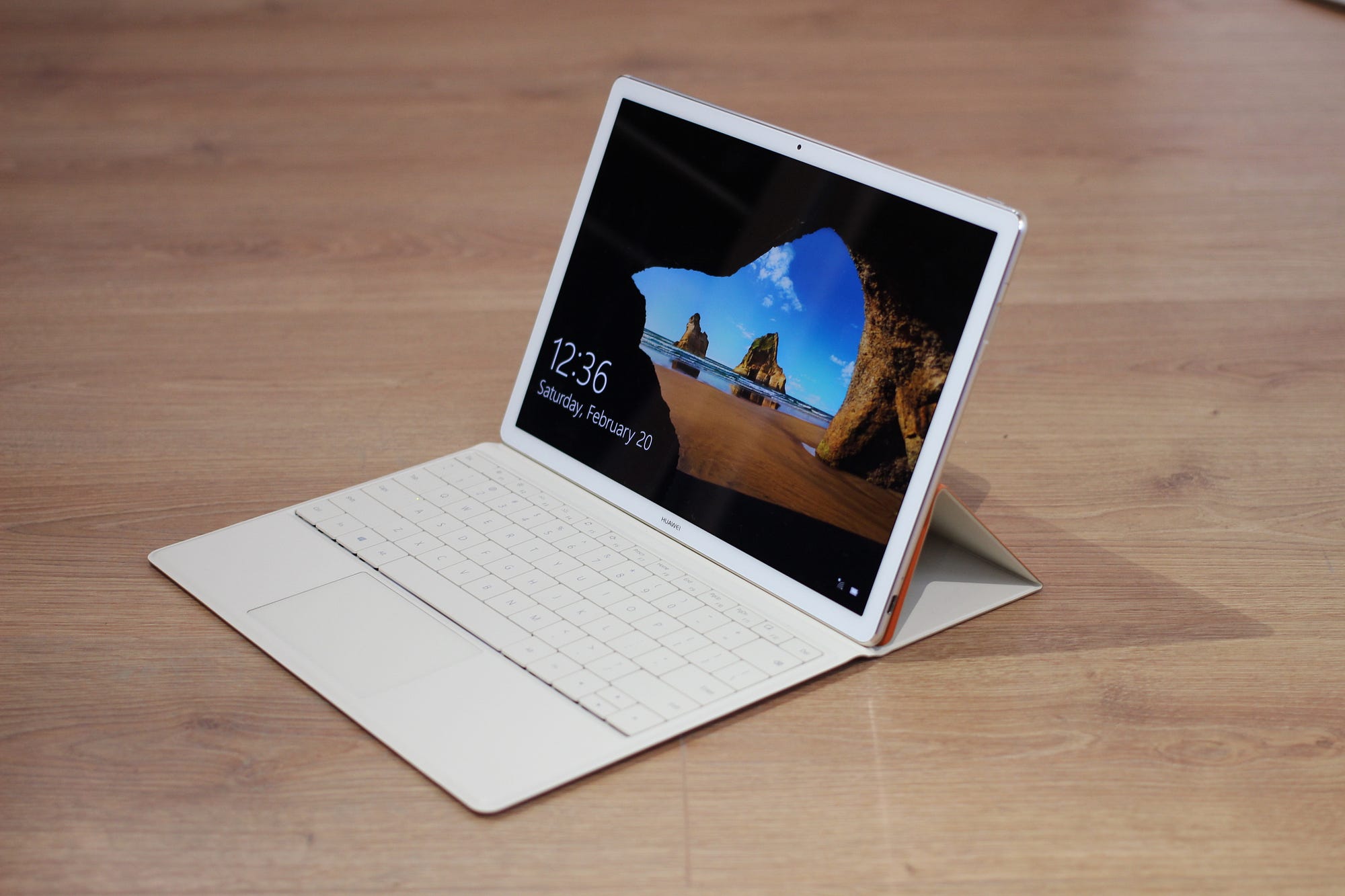
Dedicated or Integrated Graphics?

A dedicated (also known as discrete) graphics card isn’t very important for coding purposes. Save money by going with an integrated graphics card unless you are into machine learning or AI which requires you to run tensorflow or keras then a discrete GPU is a decent investment as that will reduce your execution time for sampling and training models. If machine learning is not area of your interest then feel free to invest the money you save in an SSD or a better processor which will provide more value for the money. I’d love to know what factors you consider to be most important for a development machine and how it affects your work on a day to day basis, let me know in the comments below.